

October 16, 2025, 5:17 am | Read time: 3 minutes
Many modern TVs and projectors offer a motion smoothing feature, known by various names such as Motion Smoothing or MEMC (Motion Estimation, Motion Compensation). The technology aims to provide smoother images. TECHBOOK explains when it’s advisable to turn on the feature–and when not to.
How Motion Smoothing Works
While streaming content and TV broadcasts usually run at 24 or 25 frames per second, TVs often have a refresh rate of 120 hertz and projectors 60 hertz. This discrepancy can sometimes make the picture appear jerky. To avoid this, the image processor calculates additional intermediate frames when motion smoothing is enabled. This is done by analyzing movements in the image, resulting in smoother camera pans and more fluid movements.
While motion smoothing is a common general term, MEMC describes the technical implementation. Machine learning and increasingly AI are used to predict (Motion Estimation) and create (Motion Compensation) the additional frames to reduce blur and judder.
Many manufacturers use different terms for their motion smoothing implementation. Examples include Samsung’s “Motion Plus,” LG’s “TruMotion,” and Sony’s “Motionflow XR.” Philips uses “Perfect Natural Motion,” and Panasonic uses “Intelligent Frame Creation.”

These settings significantly enhance the picture quality of your Samsung TV.

Dolby Vision 2 Is Coming–Do I Need a New TV?
Advantages and Disadvantages of Motion Smoothing
The technology is often beneficial for live sports broadcasts and fast-paced video games, but in movies not shot with additional frames, it can create an unnatural “soap opera effect.”
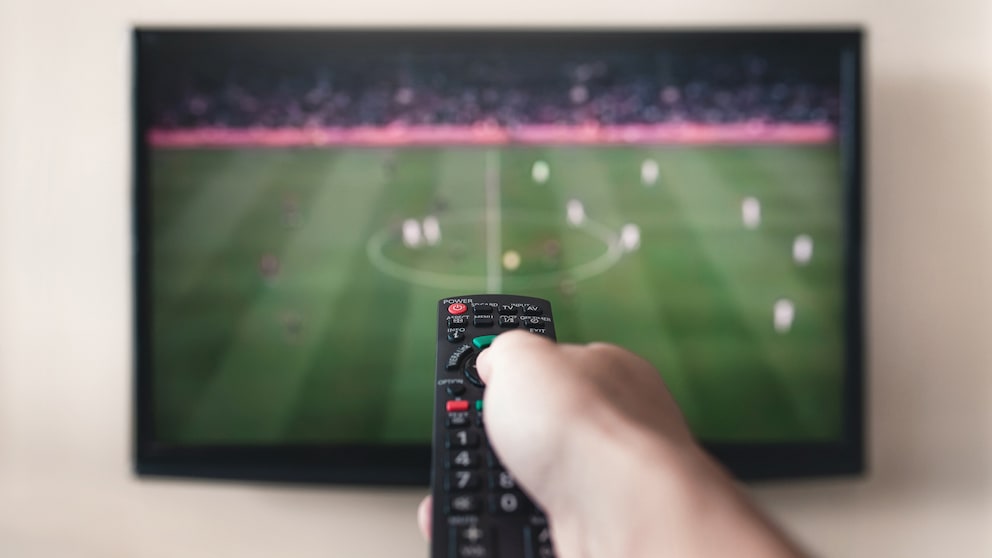
Especially in sports broadcasts, motion smoothing provides a calmer image. A sharply kicked soccer ball, for example, moves more evenly across the screen. It can also be helpful with fast camera pans or TV shows with studio lighting. For large projector images, especially in action films, it prevents judder.
However, the technology also has its drawbacks. In feature films, the “soap opera effect” can make the image appear very smooth and unnatural. Additionally, image errors such as flickering outlines can occur if motion detection fails. For gamers, motion smoothing is problematic because it increases input lag.
Optimal Settings for Motion Smoothing
The right motion smoothing setting depends on the intended use. For sports broadcasts and documentaries, a medium level is recommended for smooth but not exaggerated images. For movies and series, the function should be turned off to preserve the original cinematic look. Alternatively, a light level can provide smoother images.
When gaming, motion smoothing should always be disabled to minimize input lag. Some devices offer profiles like “Cinema” or “Natural,” which can be adjusted according to preference. Checking the menu or manual helps find the appropriate setting.