


March 2, 2023, 3:50 pm | Read time: 4 minutes
Sure, for gaming you generally need a keyboard, a mouse, a headset, and maybe a controller. But if you’re investing a lot of money in a gaming PC with powerful hardware, you shouldn’t skimp on accessories. There are a few things to consider for an optimal gaming experience.
Overview
The Most Important Accessories for the Gaming PC
TECHBOOK summarizes the most important accessories necessary for a well-balanced gaming setup. You can also read about what to pay special attention to with each device.
The video provides a brief summary of the most important information:
Keyboard – Linear or Tactile?
Many gamers prefer keyboards with so-called mechanical switches. These can have different resistances and actuation points, as well as tactile and audible clicks. Generally, linear switches are recommended for fast action games because they have little resistance and no tactile feedback. There is a wide range of linear switches that differ in resistance and key travel. By far the most popular are red switches, especially the MX Red from manufacturer Cherry, which have a resistance of about 46 grams of force and 4 millimeters of travel. They are smooth and fast, making them ideal for games like shooters.

For other types of games and typing, tactile switches, especially Cherry MX Brown, are suitable. They have a bit more resistance at 55 grams and a noticeable actuation point.
Gaming Mouse Needs a Good Sensor
For a gaming mouse, a good sensor is more important than a high polling rate (CPI). Cheap sensors can’t keep up with fast hand movements despite high CPI, so investing in a higher-quality gaming mouse is worthwhile. Manufacturers like Razer, Pixart, Logitech, and Steelseries offer good products. Notable sensors include the PMW and PAW series, Hero, and TrueMove.

It’s good to know that with modern gaming mice featuring high-quality sensors from reputable manufacturers, there’s practically no difference between wired and wireless models. Today’s wireless technologies minimize latency, making dropouts a thing of the past. However, note that a wireless mouse, especially one with lighting, may need frequent charging.
Controller as an Alternative to Mouse and Keyboard
Controllers are also practical for many games to create a console-like feel. Console ports, in particular, play best with their respective controllers. Most models are compatible with Windows PCs out of the box, including Xbox and PlayStation controllers. They can be connected via cable or Bluetooth. Platforms like Steam support a wide range of input options and can even make games designed for controllers compatible.
Also interesting: How gaming characters might look in reality
High Hertz Rate is a Must for Monitors
For monitors, besides resolution, the refresh rate is crucial. Generally, for the popular size around 27 inches, a resolution of 1440p is recommended. This makes the panel sharper than Full HD (1080p), yet the PC has to process fewer high-resolution images than for a 4K monitor. Additionally, the refresh rate is significant. It indicates how quickly a monitor can refresh the image. The rate is given in hertz, and a benchmark should be at least 144 hertz–meaning 144 refreshes per second. For such monitors, it’s important that the graphics card can output enough frames per second (FPS) so the monitor has material to refresh.
Also interesting: How meaningful are the EU energy labels really?
Headset for Gaming with Friends
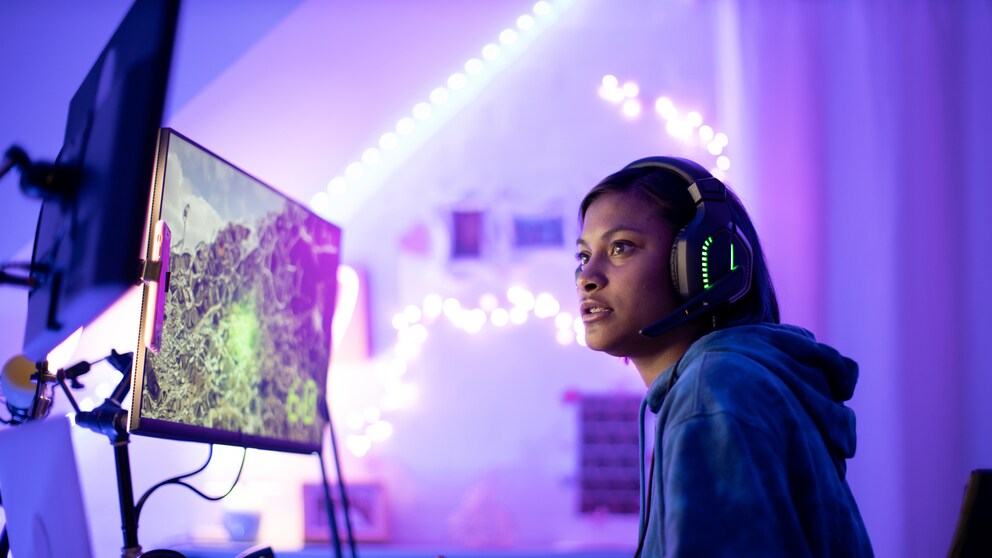
When choosing a headset, it’s important to focus on a good microphone if you want to play multiplayer with friends. Many headsets support two independent channels for in-game sound and voice chats. Generally, the integrated headset microphone is sufficient for voice chats. However, if you like to stream, you should invest in a dedicated microphone.
Additional Accessories for PC Gaming
Additional accessories are advisable if you want to stream your gaming sessions. This includes items like the Stream Deck for controlling scenes, media, and audio sources, or ring lights and high-resolution webcams for live streaming.
Finally, for gaming in virtual reality (VR), an appropriate headset is necessary. Many models can now be connected wirelessly to the PC and no longer require fixed sensors. Only space for free movement should be available.