


August 13, 2018, 3:12 pm | Read time: 2 minutes
The developer “Epic Games” has removed the Android version of Fortnite from the Google Play Store. TECHBOOK reveals how you can still download and install the game.
With over 125 million users, Fortnite is currently one of the most popular games available for console, PC, and smartphone. On a massive map, it’s every player for themselves in Fortnite. Once a gamer is eliminated, their round is over. This continues until only one player remains–the winner. The game is available on mobile for iOS and Android, the latter only in a beta version so far.
How to Get Fortnite for Android
If you want to download Fortnite after its removal from the Google Play Store, you can find it on the developer’s website, Epic Games. You must first register there. Then you can sign up for the Android beta program. After a few minutes, you’ll receive the download link via email along with the following instructions:
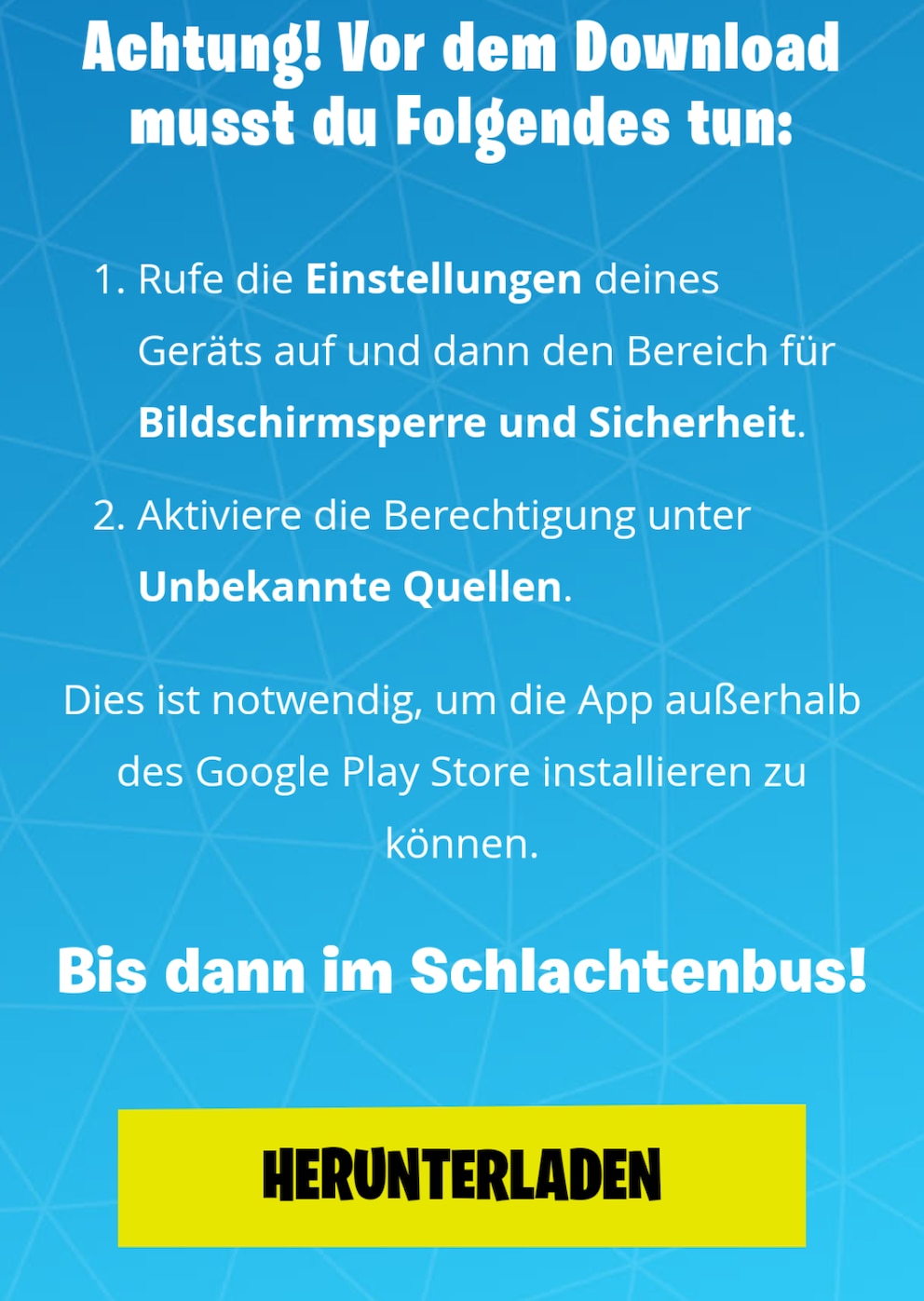
In the settings, you must allow unknown app sources. Then tap the download link in the email and confirm the installation.
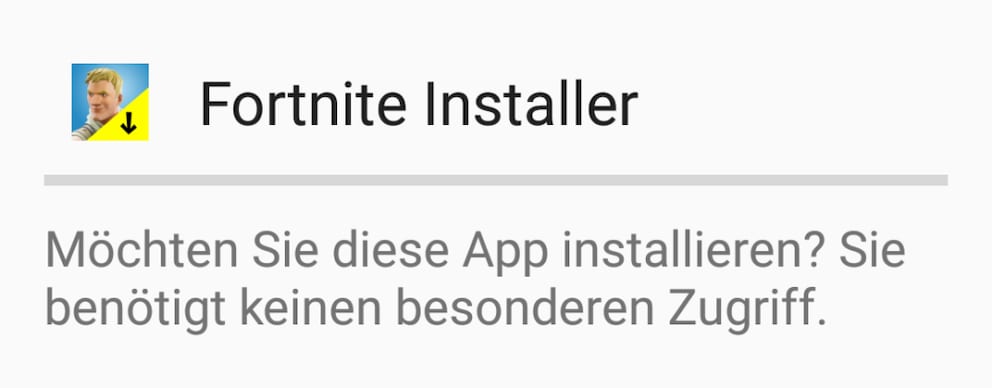
TECHBOOK recommends: After installation, immediately revert this setting, as unknown sources can also distribute malware.
First Impressions of Fortnite Mobile
TECHBOOK has already tried out Fortnite Mobile. You can find the editorial team’s first impressions in the video.